 Underwater 3D Animation for Divers
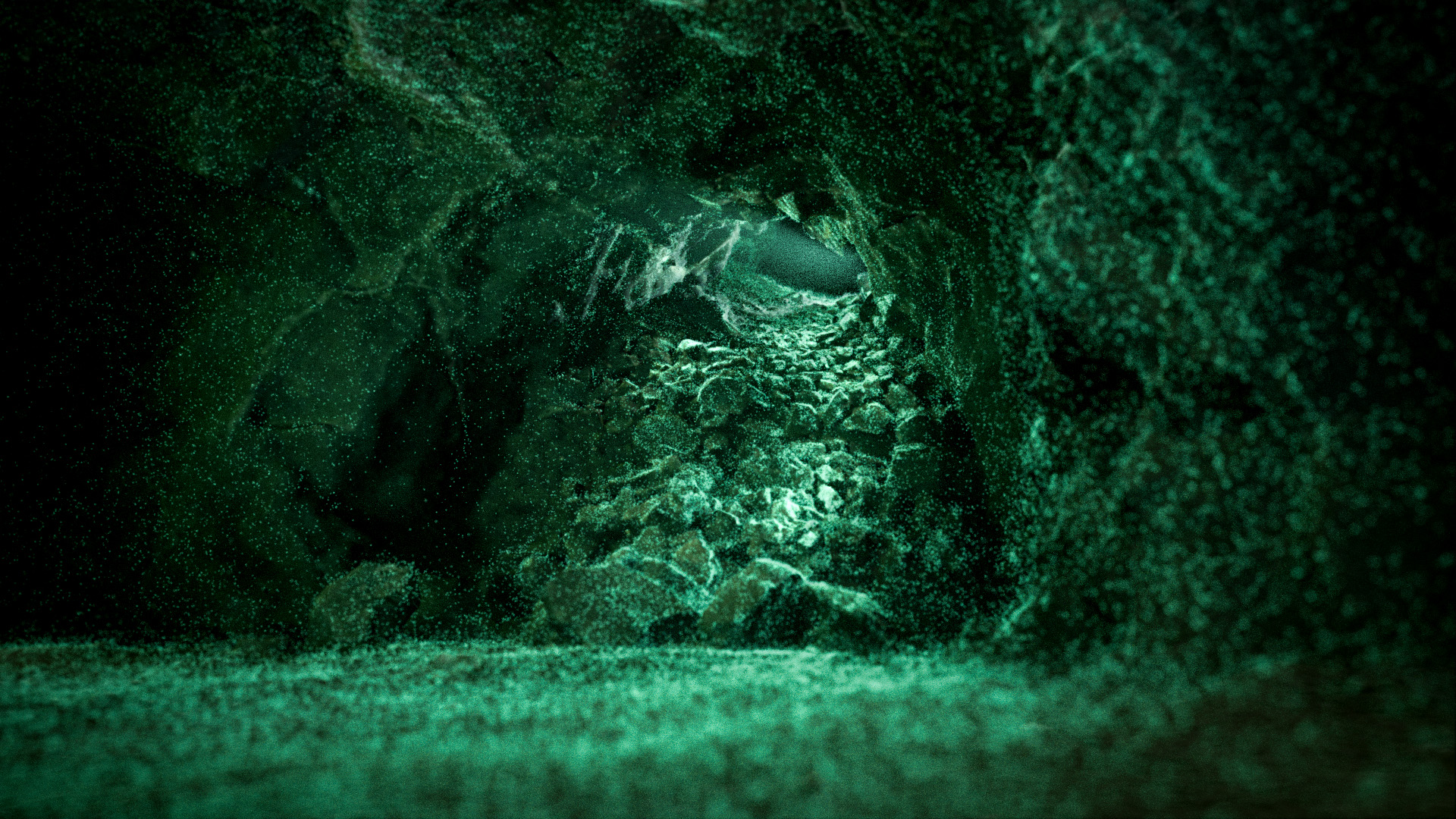
Underwater 3D Animation for divers
The complete course for transforming your photogrammetry scans into cinematic underwater documentaries.
The course at a glance
What you are signing up for, in one place.
- Format
- Online, self-paced video lessons
- Length
- 6 lessons, about 20 hours including practice
- Access and price
- 12 months, from €199 (plans)
- Language
- English
- Level
- Beginner in Blender. No 3D experience assumed.
- You bring
- A reconstructed model (FBX or OBJ from Metashape or RealityCapture)
- Tools
- Blender and CapCut, both free. Metashape for optimisation in Lessons 2 and 3.
- Try first
- Lesson 1 is free on YouTube, 71 minutes
The €899 plan adds a 1:1 consultation with Marcin.
One wreck. One hour. Your first cinematic animation.
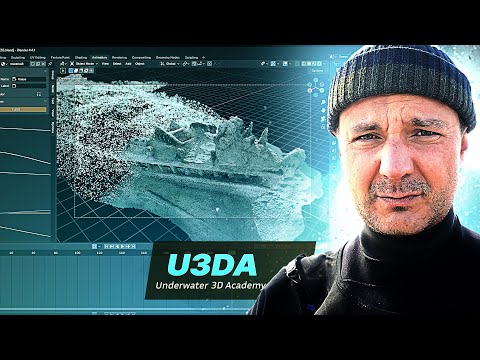
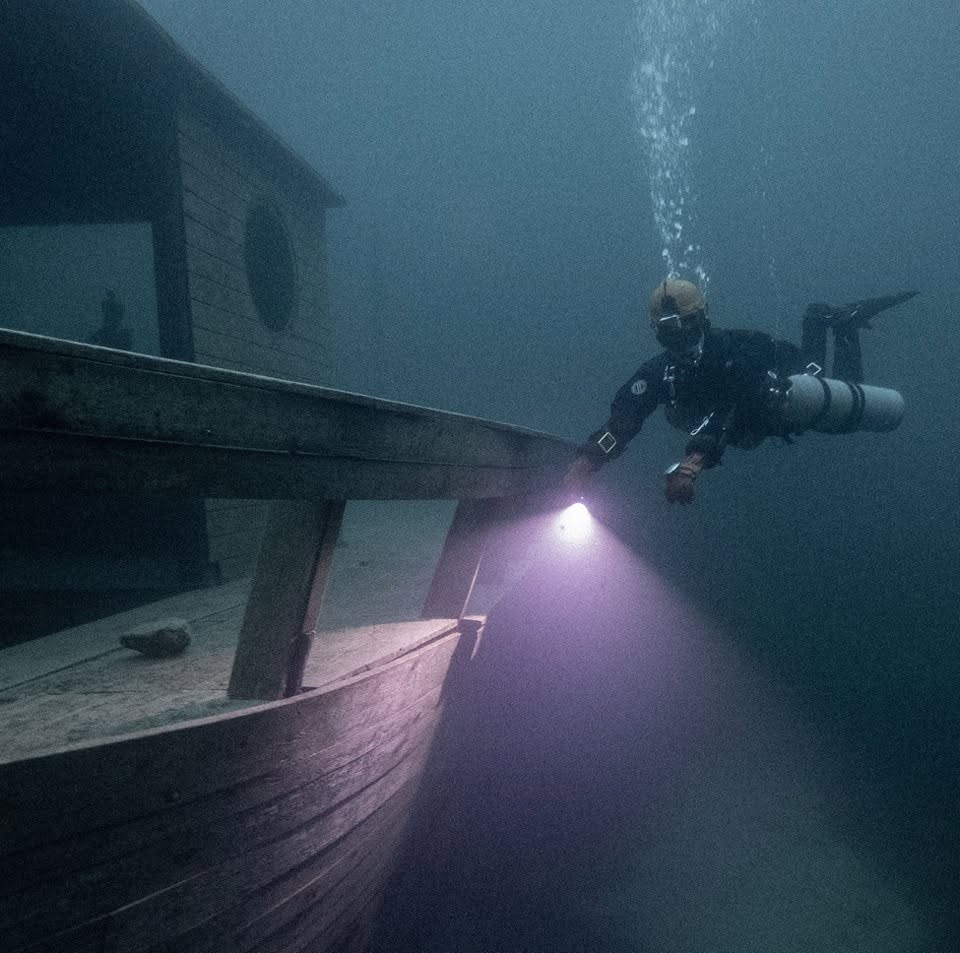
Watch Marcin take a Baltic Sea shipwreck scan straight out of Metashape and turn it into the signature wireframe-to-solid build-up — the effect you've seen in the showreel.
In 71 minutes you'll see how to:
- fix the scale trap every underwater scan falls into (Blender thought this 30 m wreck was 851 m long)
- restyle all 40 textures at once with the included node group and script
- fly the camera like a first-person game, light the wreck Hollywood-style, pull focus with depth of field
- render the build-up with motion blur, ready to share
No purchase needed. Blender is free, and so is this lesson.
Who This Course Is For
Six comprehensive lessons covering everything from Blender basics to advanced animation techniques — specifically designed for cave divers, wreck surveyors, and underwater photographers.
Cave Divers
Documenting complex overhead environments and wanting to share the beauty of untouched passages.
Wreck Divers
Preserving maritime history and creating virtual tours of inaccessible sites.
Marine Archaeologists
Needing publication-ready visuals and immersive site documentation.
Technical Divers
You've discovered something special and want the world to see it properly.
Underwater Photographers
Ready to add a new dimension to their documentation toolkit.
Your Scans Are Already Capturing the Magic — You Just Don't Know How to Unleash It
If you're doing underwater photogrammetry, you're already halfway there. Those hundreds of overlapping photos you're taking? They contain everything needed to recreate that moment of wonder. Every texture detail, every play of light and shadow, every dramatic angle that made your pulse quicken.
The problem isn't your diving skills or your scanning technique.
The problem is the gap between your raw 3D scans and presentation-ready visual stories.
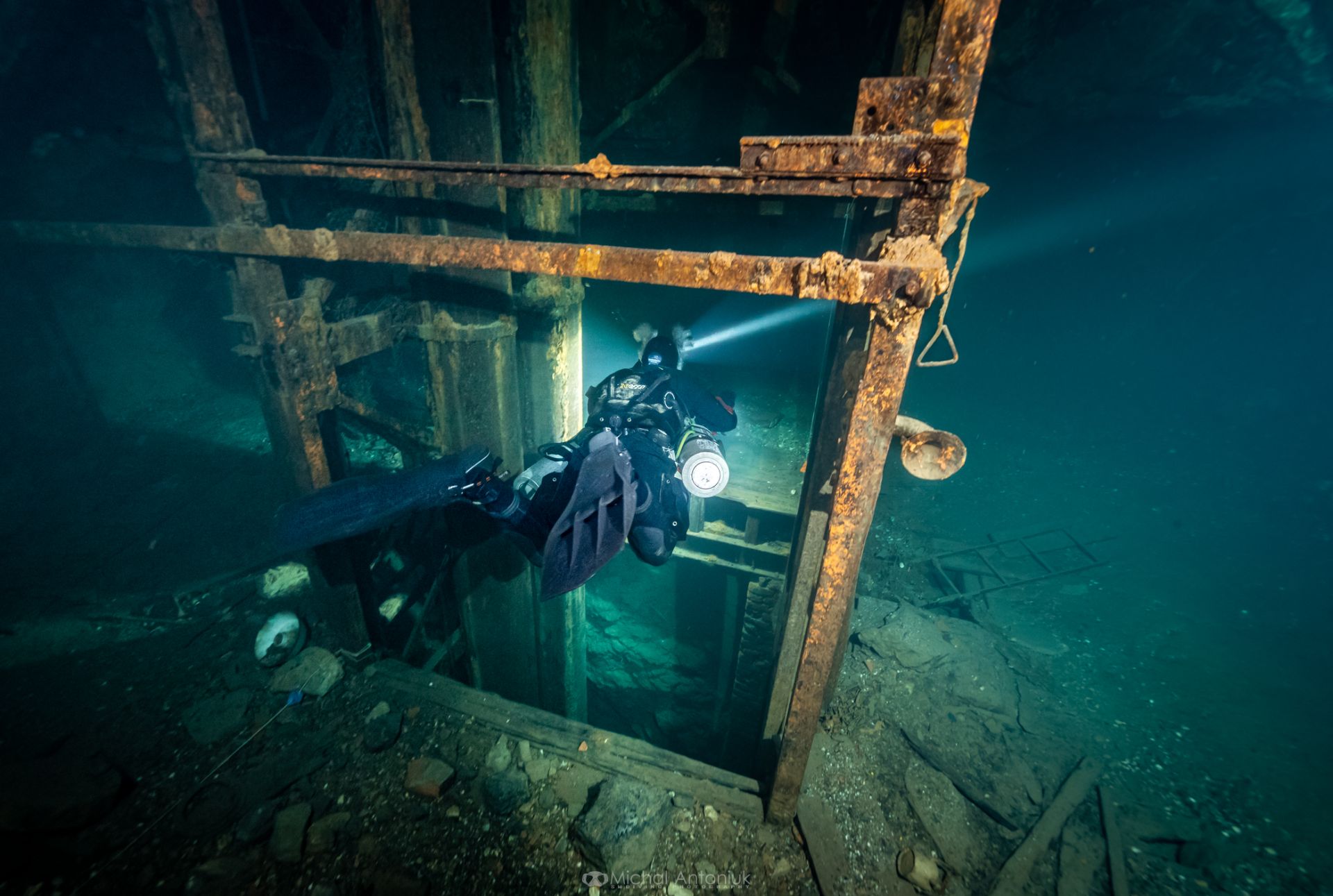
The gap between what you felt down there… and what you can show up here
You've been there. Floating in that perfect moment of neutral buoyancy, your lights cutting through the darkness to reveal something extraordinary. A pristine shipwreck. An untouched cave passage. A piece of history that few eyes have ever seen.
Your heart races. This is why you dive.
But then you surface. You try to share what you discovered. You show the photos, describe the formations, explain the historical significance. Yet somehow, the magic gets lost in translation. The awe you felt 40 meters down doesn't translate to the surface world.
What if it could?
Photo: Michał Antoniuk
What You'll Master
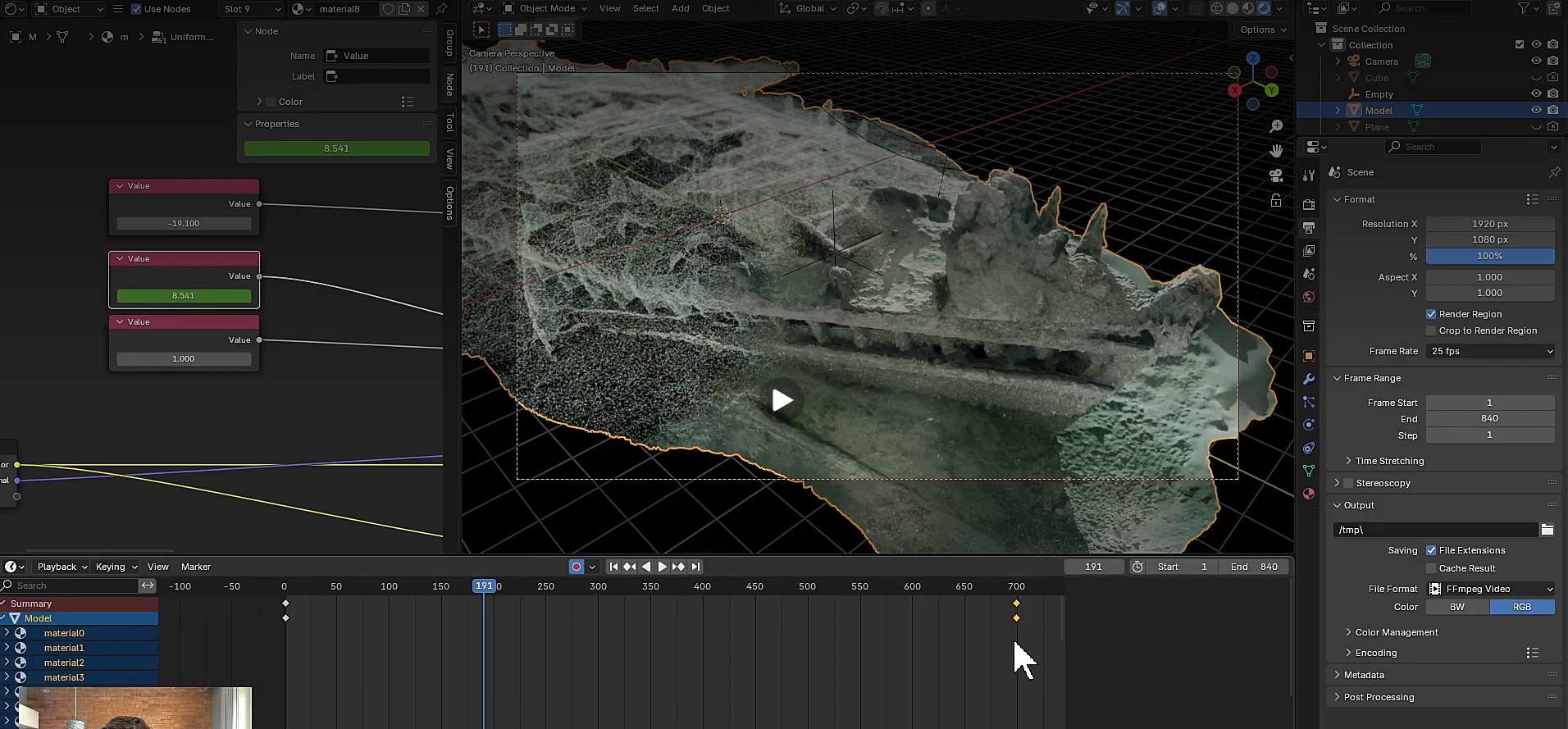
Lessons 1–2
Bring your scans from Metashape or RealityCapture into Blender and set up true-to-scale scenes with cinematic lighting, camera work and depth of field.
Restyle a whole wreck’s materials - 40 textures at once - with the included node-group presets and scripts, and bake normal maps so even huge models stay light without losing close-up detail.
Create the signature wireframe-to-solid “build-up” animation that makes your discovery assemble itself on screen.
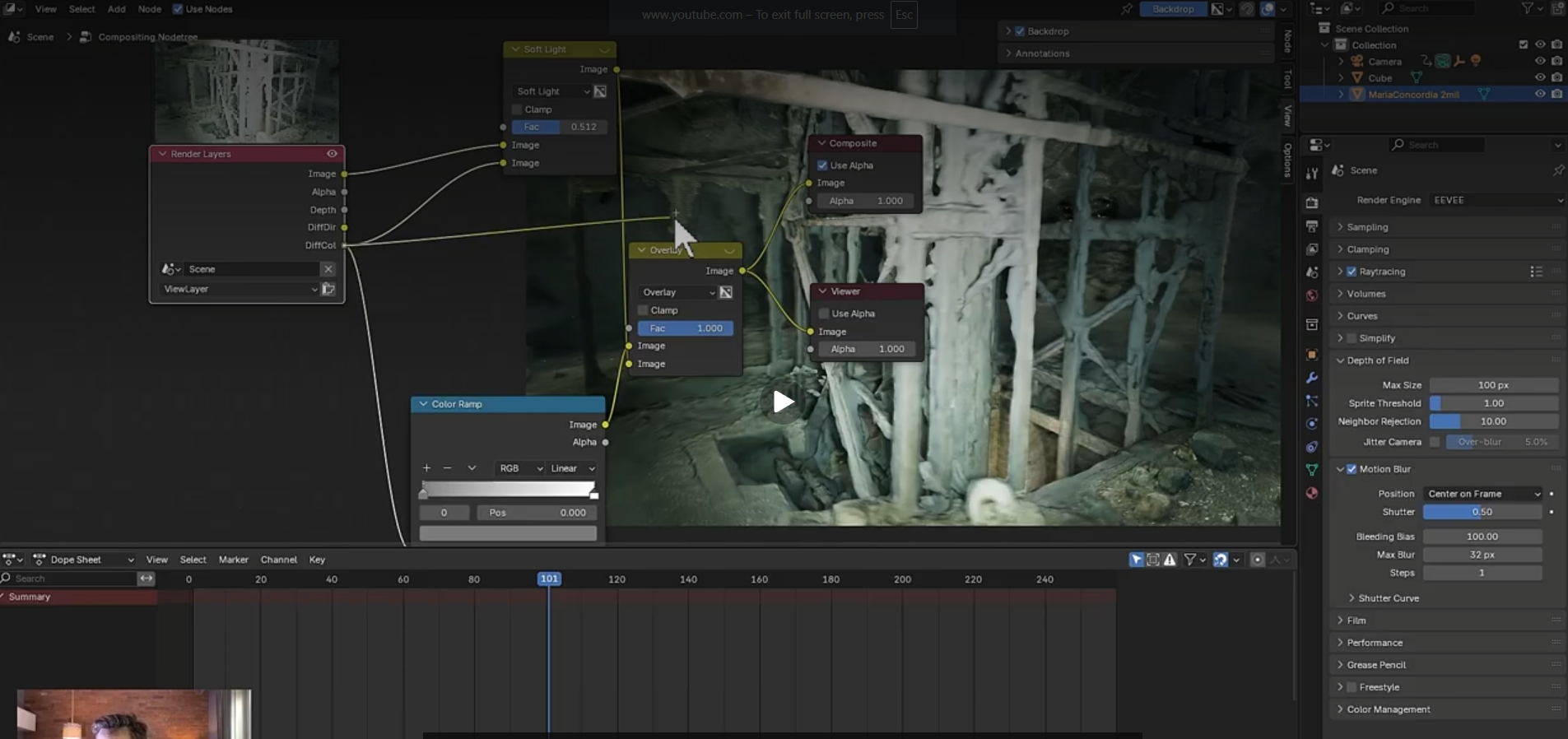
Lessons 3–4
Animate camera fly-throughs of caves, mines and wrecks — overhead environments where a static render can’t tell the story — practiced on our scan of a 300-year-old flooded silver mine.
Then polish the raw output in Blender’s Compositor: the post-processing pass that turns a flat render into a finished frame.
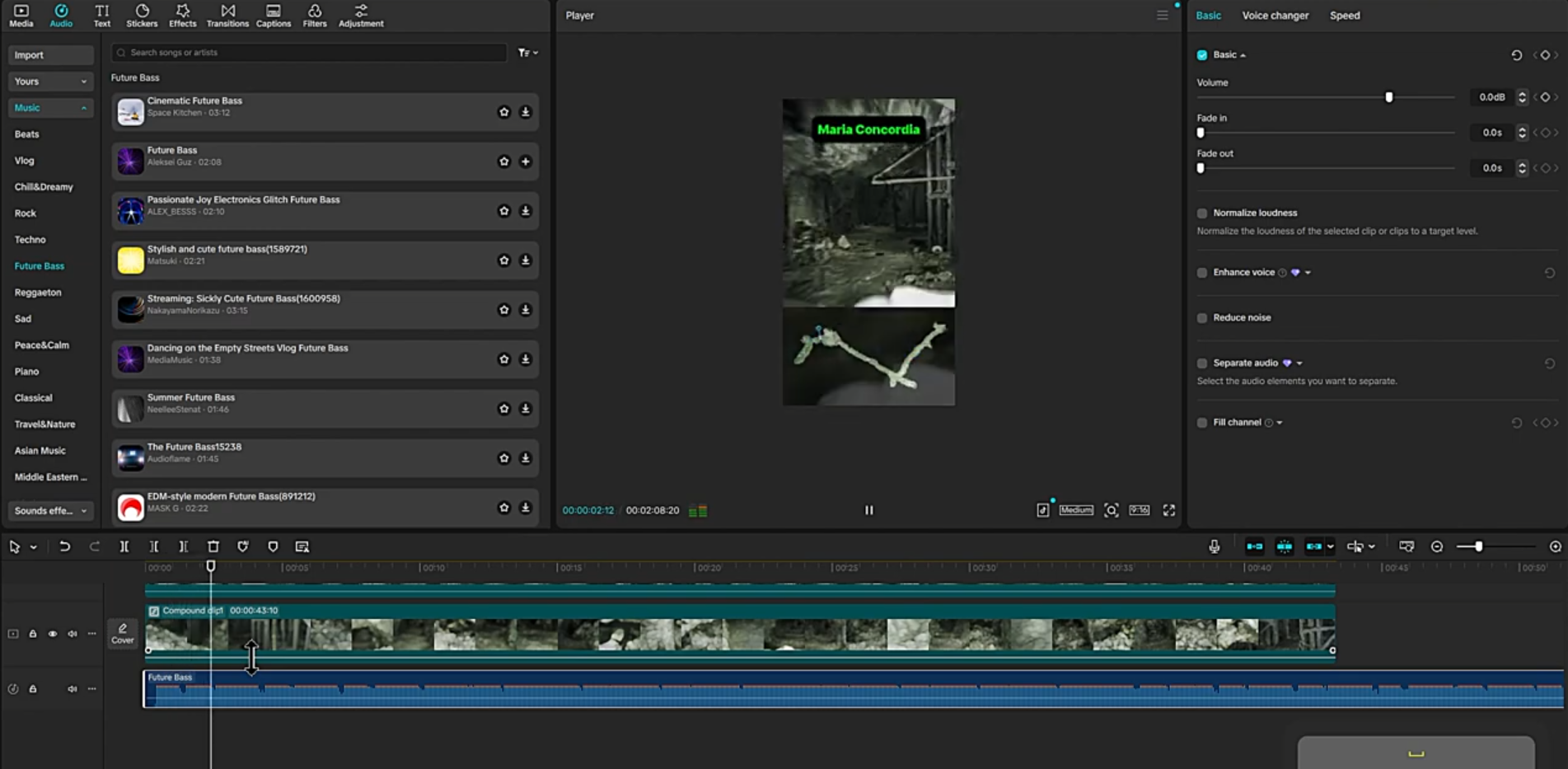
Lessons 5–6
Add an animated minimap with a position pin driven by your fly-through camera, so viewers always know where they are inside the system.
Then cut the fly-through and minimap together in CapCut — a free editor — into a clip ready for social media, presentations or project documentation.
What You're Really Getting
The Complete U3DA Course
Six comprehensive lessons taking you from Blender beginner to underwater visualization expert.
Professional Blender Assets
Pre-configured starter files and node groups, automated material conversion scripts, custom camera rigs and lighting setups, and ready-to-use rendering presets. None of it is random freebies from the internet — every asset was created for Marcin's own underwater projects and ships with the lesson that teaches it.
Real-World Project Files
Work with actual cave and wreck scans, including assets from the Maria Concordia mine exploration.
Exclusive Community Access
Join our private group of underwater 3D specialists — cave diving legends, photogrammetry experts, and marine archaeologists sharing techniques, troubleshooting challenges, and showcasing their latest discoveries.
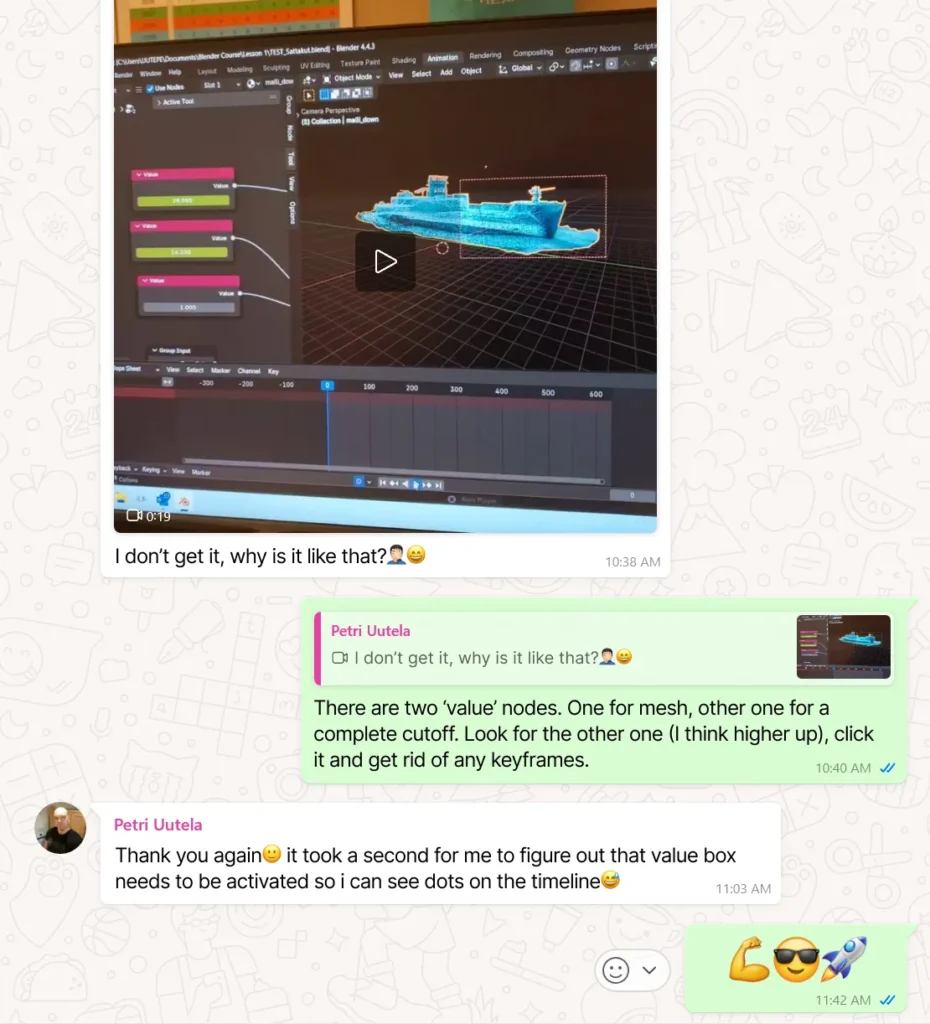
Stuck at 10:38. Unstuck by 10:40.
This is what the community looks like on a normal morning: a student posts a clip of a build-up animation misbehaving, and two minutes later the fix is in the chat — which node, which keyframe, why.
No ticket queue, no “re-watch the lesson and try again”. Just people who have hit the same wall, in the same group.
I strongly recommend Underwater 3D Academy course. This course was an eye-opener on how to get started with Blender. Besides the course, I had the privilege of working with Marcin on one underwater project — his professionalism is impressive!

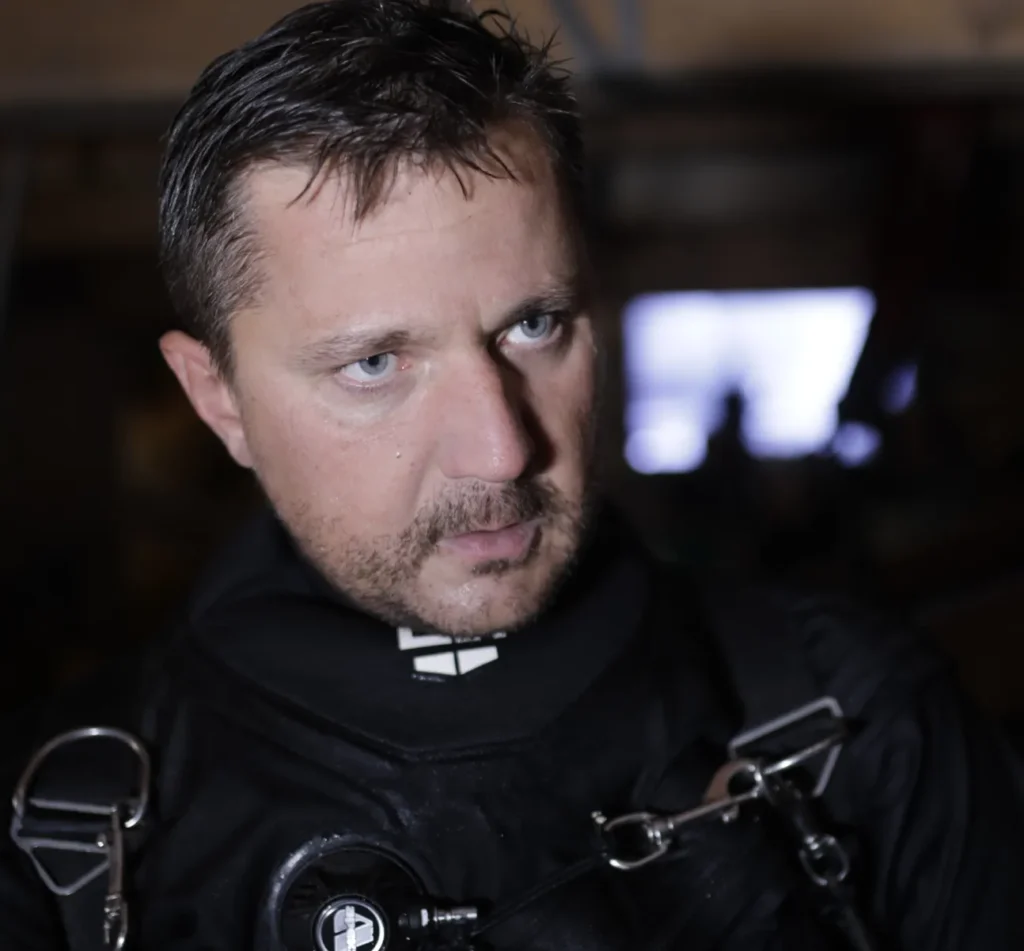
Marcin Stempniewicz
Cave diver, 3D artist, and founder of Submerged Foundation. Marcin has led international underwater heritage documentation projects, collaborated with Poland's National Maritime Museum, and presented his 3D scanning innovations at conferences across Poland, the UK, and the USA.
His work has been featured in InDepth GUE Magazine, Divers 24, the XDeep Exploration Support Program, “Odkrywca” Magazine, and at multiple international diving conferences — including the National Speleological Society, Hidden Earth and Dive Expo.
A 3D model is just a tool, not a product (...) Scanning itself is always just the beginning of the adventure.
Marcin Stempniewicz, Explorer - XDeep Exploration Support Program
The Investment
Both paid tiers include the full course and community access.
U3DA Complete Course
For enthusiasts and hobbyists who want to take their scans to the next level — skip the hundreds of hours of generic tutorials about donuts and coffee cups.
- Optimize 50+ photogrammetry textures
- Handle massive polygon counts from underwater scans
- Create the dramatic lighting that makes cave systems come alive
- Join the closed U3DA group and learn alongside world-class photogrammetry specialists
U3DA Professional
For marine archaeologists, research foundations, and professional diving operations who need presentation-ready results and expert guidance.
- Present complex underwater data to diverse audiences
- Meet scientific publication standards
- Create visuals that secure funding and support for your work
- Work directly with world-class underwater photogrammetry specialists in the closed group
- Sessions scheduled individually, within 1 year after purchasing
First Lesson (Demo)
Create your first professional-looking 3D render and animation: a cinematic “build-up” where your shipwreck materializes from wireframe to solid model — dramatic lighting, camera movement, and motion blur included.

What Happens When You Enroll
Same techniques. Real expeditions.
Nothing below is a demo. Every clip came out of a Submerged Foundation project - flooded mines, an 18th-century fortress, a Baltic wreck - and was made with the same build-ups, fly-throughs, Compositor passes and edits you'll learn across the six lessons.
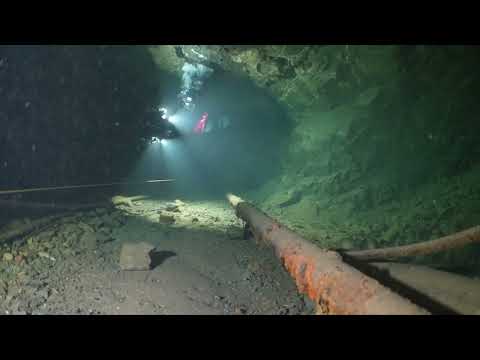
The Maria Concordia Project Showreel
Four flooded levels, a 40 m shaft, over 3 km of corridors scanned from around 110,000 photos. The build-up, the fly-throughs and the final cut are Lessons 1, 3 and 6 at full expedition scale.
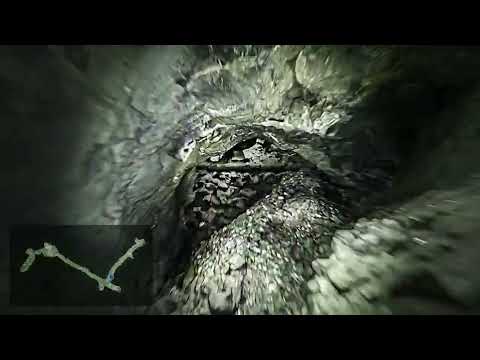
U3DA — lesson's outcome
An animated flythrough the The Maria Concordia Project - photogrammetry scan of a massive magnesite mine - presenting one of the levels along with the minimap covered in Lesson 5.
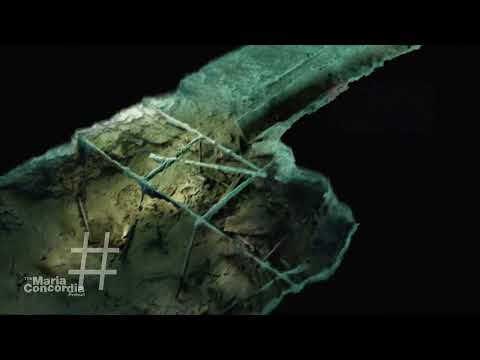
Maria Concordia corridor cross section
The model sliced open: a corridor 14 m down, shown as a photorealistic cross-section so the shape reads at a glance. The same scan you'll work on in Lessons 3 and 5.
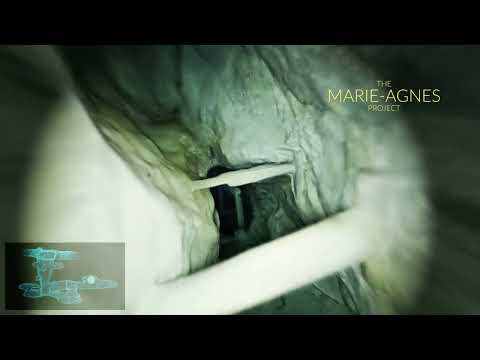
Marie Agnes — suggested dive plan
A virtual dive through an 18th–19th-century silver, lead and zinc mine with corridors too narrow for fins. Made so divers can plan the route before they get wet - the fly-through approach from Lesson 3.
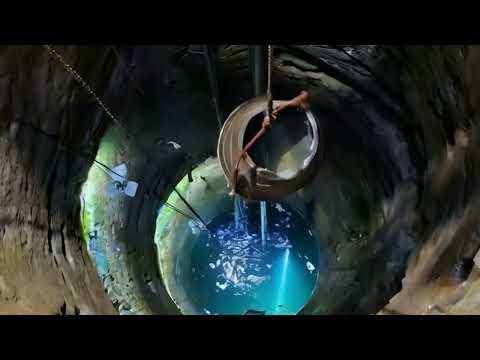
Silver Mountain fortress — underwater scanning
An 18th-century fortress in Lower Silesia: nine wells, 30 m down to the water, and a brick-arched passage branching off one of them. Surveyed in 2024; presented with the same scan-to-Blender workflow the course opens with.
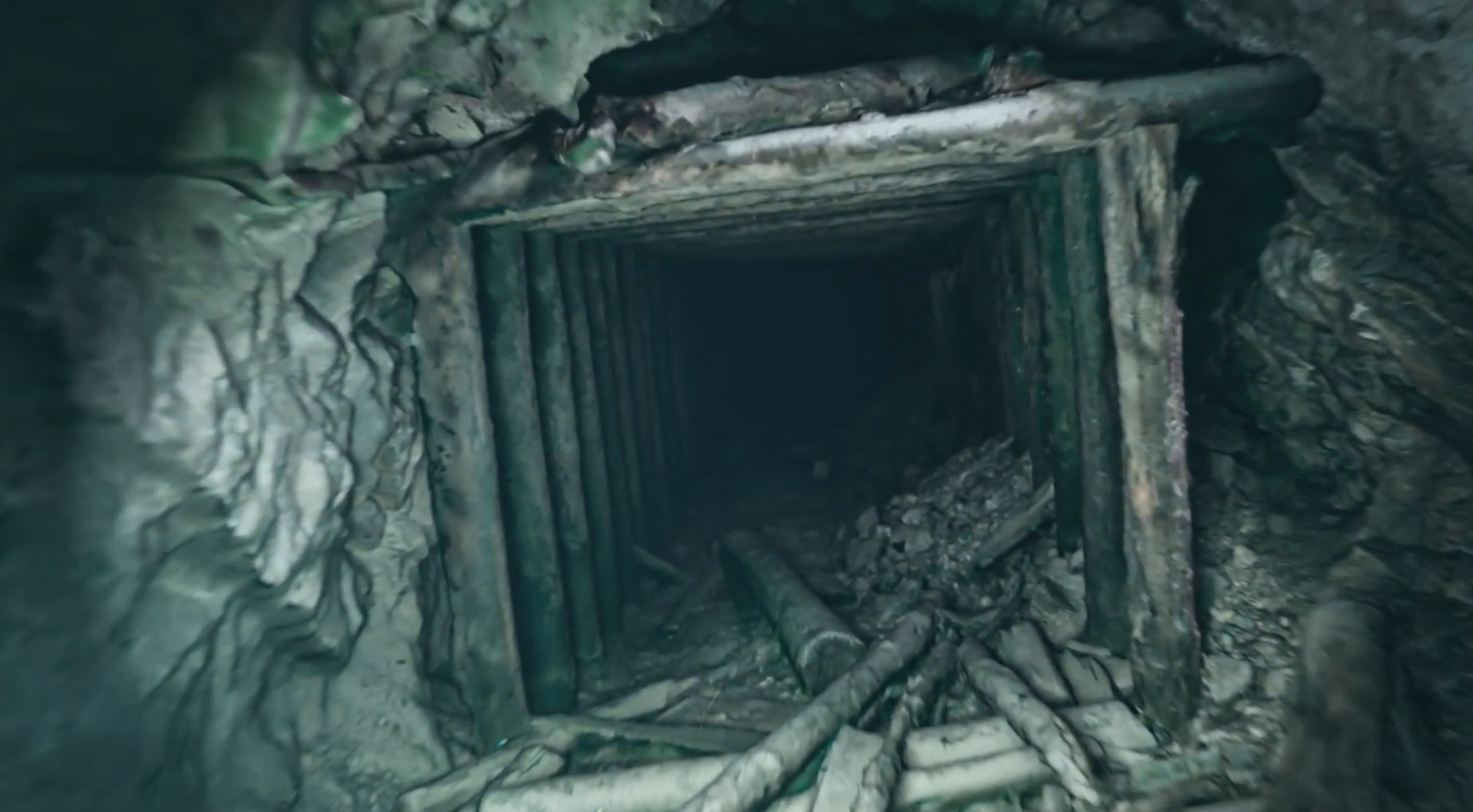
Flythrough from the Maria Concordia mine
A massive flythrough video presenting the most extensive level of The Maria Concordia mine, scanned by Submerged Foundation team
What divers say
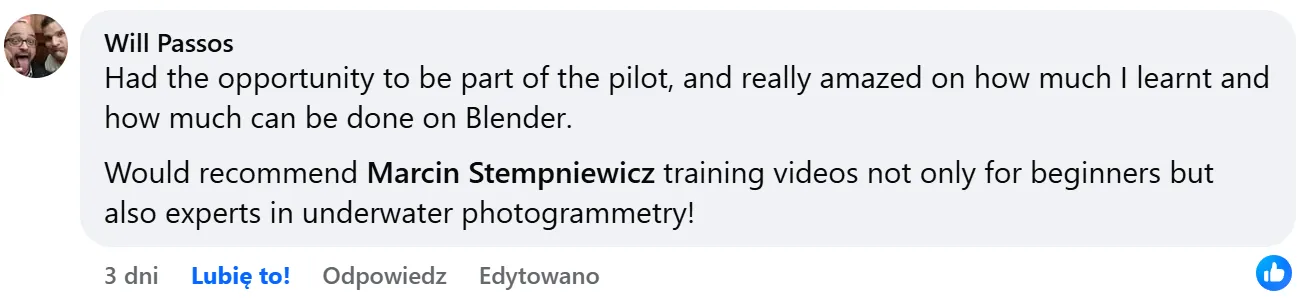
Had the opportunity to be part of the pilot, and really amazed on how much I learnt and how much can be done on Blender. Would recommend Marcin’s training videos not only for beginners but also experts in underwater photogrammetry!
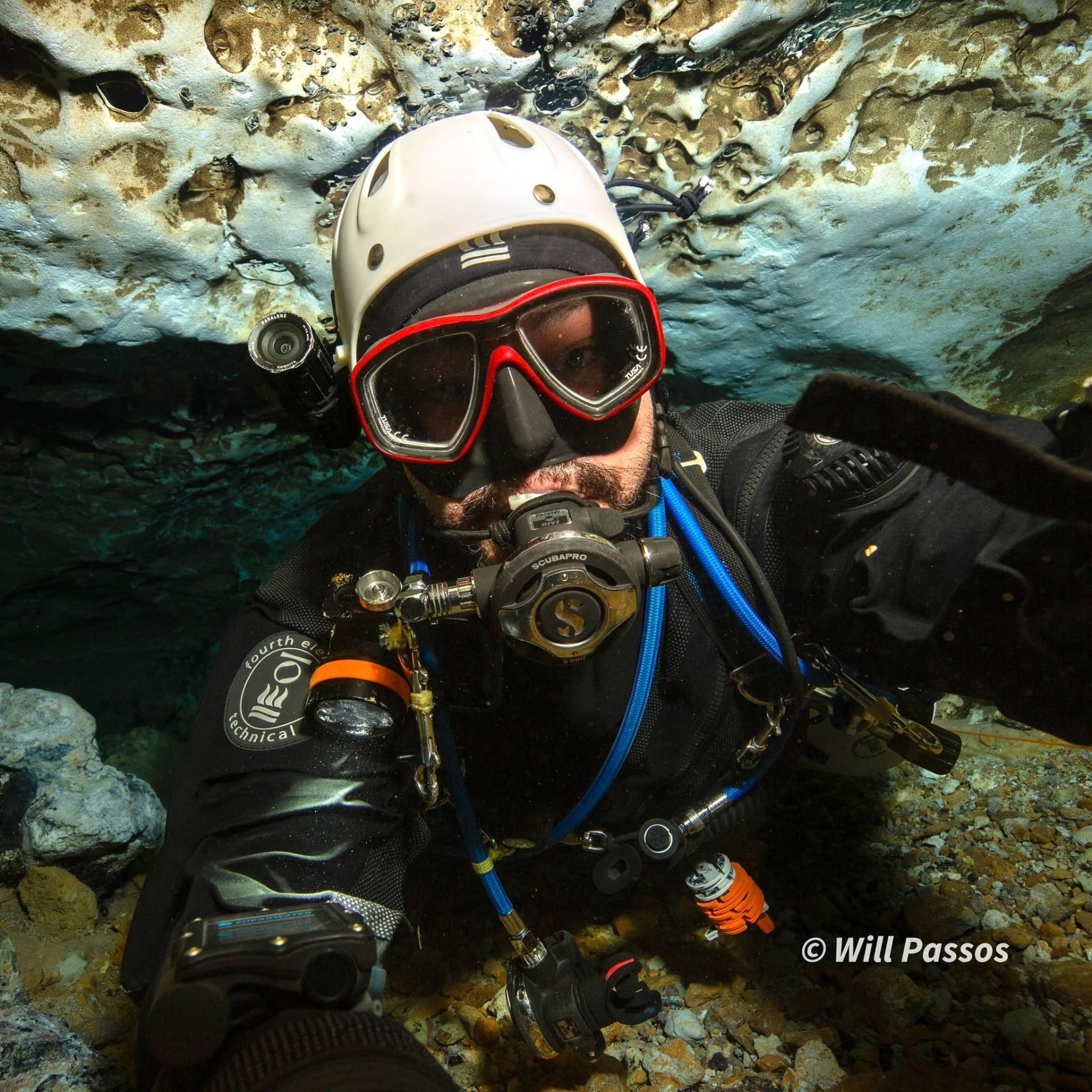
Inspired by Marcin’s amazing work and projects, I decided to dive into 3D graphics from a new perspective. I had absolutely no prior experience with Blender or making effects like this before. Marcin knows his stuff inside out and explains everything super clearly and easy to follow. If you want to present your scans in a whole new way, this is the place to start.
FAQ
I've never used Blender before. Is this too advanced?
U3DA starts from absolute zero. If you can navigate underwater and operate photogrammetry software, you can master these techniques.
What if my scans aren't perfect?
The course teaches optimization techniques for real-world scans, including how to handle missing geometry, texture issues, and polygon reduction.
How long does it take to see results?
You'll create your first professional animation in Lesson 1. Most students are producing publication-ready visuals within their first 2 weeks.
Will this work with my photogrammetry software?
Yes. U3DA works with exports from popular photogrammetry tools (Metashape, RealityCapture), and any software that outputs FBX files with textures.
Enroll now!
Every preset, node group and script you'll use was built for Marcin's own expeditions — nothing off the shelf. U3DA Complete Course — €149. U3DA Professional (course + 3h mentorship) — €899. First lesson free on YouTube. See you soon!